Walmart Canvas Prints Preview: A Complete Guide
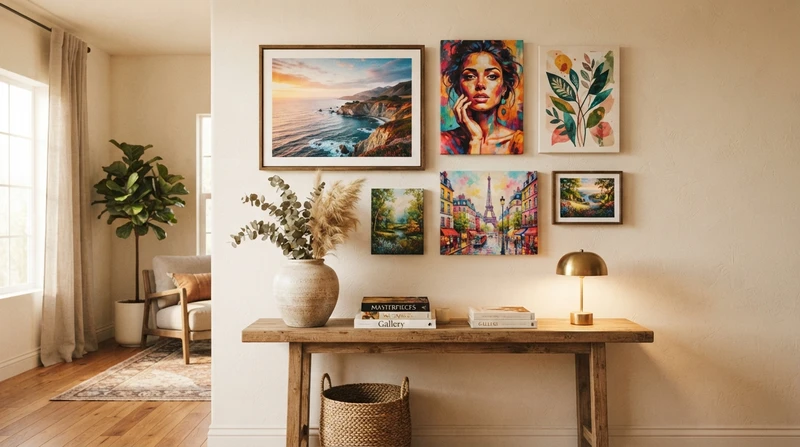
Bringing Your Memories to Life: The Walmart Canvas Prints Preview
Decorating your home is a deeply personal journey. Whether you are looking to showcase a cherished family vacation, a stunning wedding portrait, or a beautiful piece of digital art, canvas prints offer a classic, textured look that brings warmth to any room. For budget-conscious decorators, the Walmart Photo Center has become a highly popular go-to option.
Before you hit the final purchase button, however, navigating the Walmart canvas prints preview tool is your most critical step. This digital preview is your only window into how your uploaded image will translate into a physical piece of wall art. In this guide, we will walk you through how to use the preview tool effectively, what details to watch out for, and how to ensure your finished canvas looks exactly as you envisioned.

How the Walmart Canvas Prints Preview Tool Works
When you upload your photo to the Walmart Photo Center website, the interface automatically generates a digital mock-up of your canvas. This tool is designed to help you visualize key aspects of your print before it goes to the production line.
Once your image is uploaded, the preview tool allows you to:
- Choose Your Size and Layout: You can toggle between different dimensions—from small 8x10 accent pieces to large 24x36 statement canvases—and see how your image scales.
- Adjust the Crop: The preview highlights the safe zone. You can zoom in, zoom out, and drag your image to ensure the main subject is perfectly centered.
- Select Your Edge Option: You can preview how the sides of your canvas will look, choosing between a photo wrap, a mirrored edge, or a solid color border like black or white.
Using these features mindfully ensures that no heads are cut off and no critical details are lost in the wrapping process.
Crucial Details to Look For in Your Preview
While the preview tool is incredibly helpful, it is important to remember that a digital screen behaves differently than physical ink on canvas. To prevent any disappointing surprises, keep these three factors in mind during your review:
1. The Wrap Bleed Zone
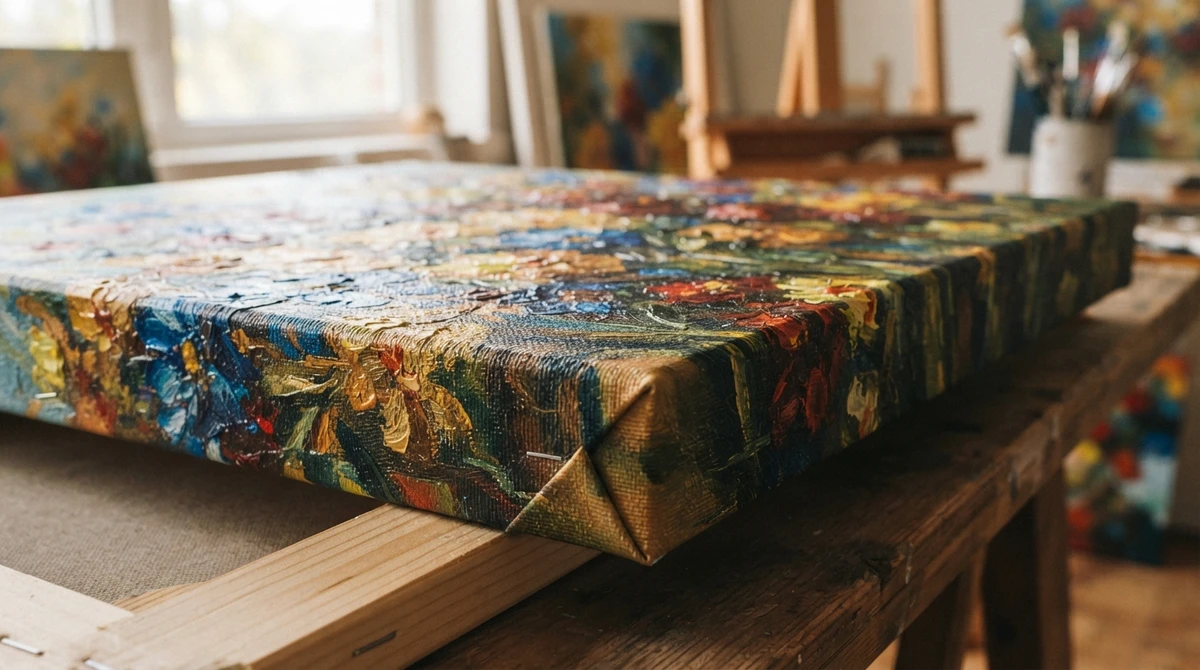
If you choose the photo wrap option, the outer edges of your image will be wrapped around the wooden stretcher bars. The Walmart canvas prints preview will show dotted lines indicating where the fold will occur. Make sure that no important elements—such as hands, feet, or text—fall outside these lines, or they will end up on the sides of the canvas rather than the front face.
2. Resolution and Clarity Warnings
Walmart's tool will usually flag your image with a warning icon if the resolution is too low for the canvas size you have selected. Never ignore these warnings. A photo that looks crisp on your phone screen can easily look pixelated or blurry when blown up to a 16x20 canvas.
3. Color and Brightness Adjustments
Screens emit light, making images appear brighter and more vibrant than they will look when printed on a matte canvas surface. If your photo is already a bit dark or shadowy, consider boosting the exposure and contrast slightly before uploading it to the preview tool.
Canvas vs. Premium Fine Art: Choosing the Right Medium
While budget canvas prints are wonderful for casual family snapshots, some spaces in your home deserve a touch of elevated artistry. Canvas has a distinct, heavy texture that can sometimes soften fine details. If you are decorating a focal point in your home—like above the fireplace or in a formal dining room—you might want to consider the delicate beauty of premium fine art prints.
At Belula Art, we specialize in high-quality watercolor prints that offer an alternative to traditional canvas. Our prints are produced on premium, heavy-textured archival paper that perfectly mimics the look and feel of an original watercolor painting. The depth of color and delicate brushstrokes found in watercolor art can sometimes get lost on a standard canvas, whereas fine art paper preserves every subtle wash and pigment granule, creating a sophisticated gallery-quality feel.
Pro Tips for a Flawless Print Every Time
To help you get the absolute best results from your online printing experience, here is a quick checklist to review before finalizing your order:
- Use High-Resolution Files: Always upload the original, full-resolution file from your camera or phone rather than a compressed version sent via social media.
- Opt for Mirror Wrap if Needed: If your subject takes up the entire frame, choose a mirrored edge or a solid color edge in the preview so you do not lose any of the image to the sides.
- Test on a Small Scale First: If you are planning a large gallery wall, print one small canvas first to test the color accuracy and overall build quality of the service.
Bringing Warmth to Your Walls
Taking the time to carefully review your Walmart canvas prints preview is the best way to guarantee a beautiful result for your personal photos. It is a fun, accessible way to fill your home with memories that bring a smile to your face every day.
As you curate your home decor, remember that a balanced space often combines different textures and mediums. Mixing your personal canvas prints with professionally curated watercolor art—such as the botanical and landscape collections at Belula Art—adds layers of sophistication, warmth, and depth to your walls. Happy decorating!


